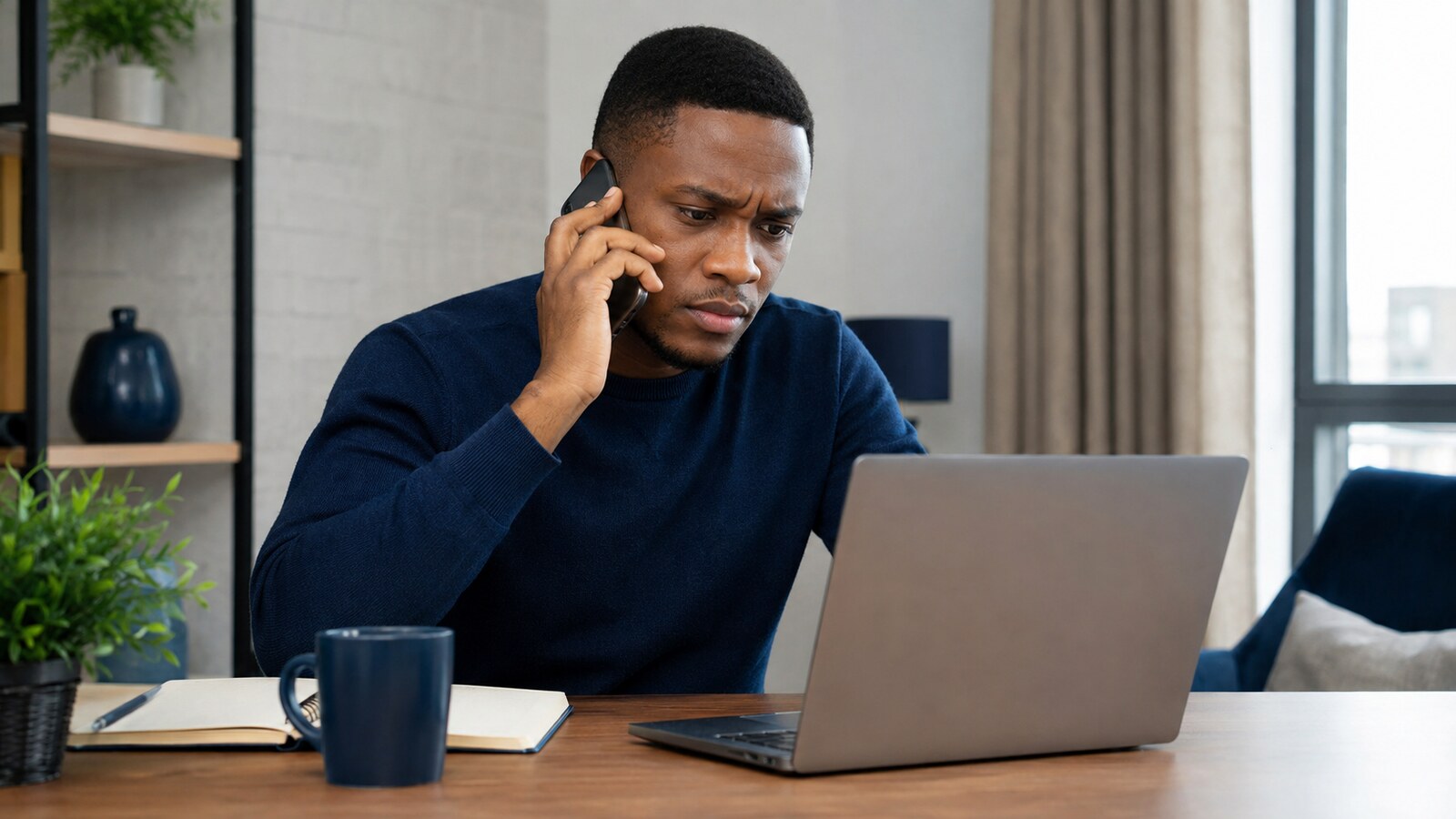
The caller said fraud had been detected on the account and read out real, correct transaction details to prove it. Panic set in immediately — how would a stranger know that much? Because the bank’s real SMS alert had already been intercepted. The caller wasn’t catching fraud. He was finishing it, one calm sentence at a time.
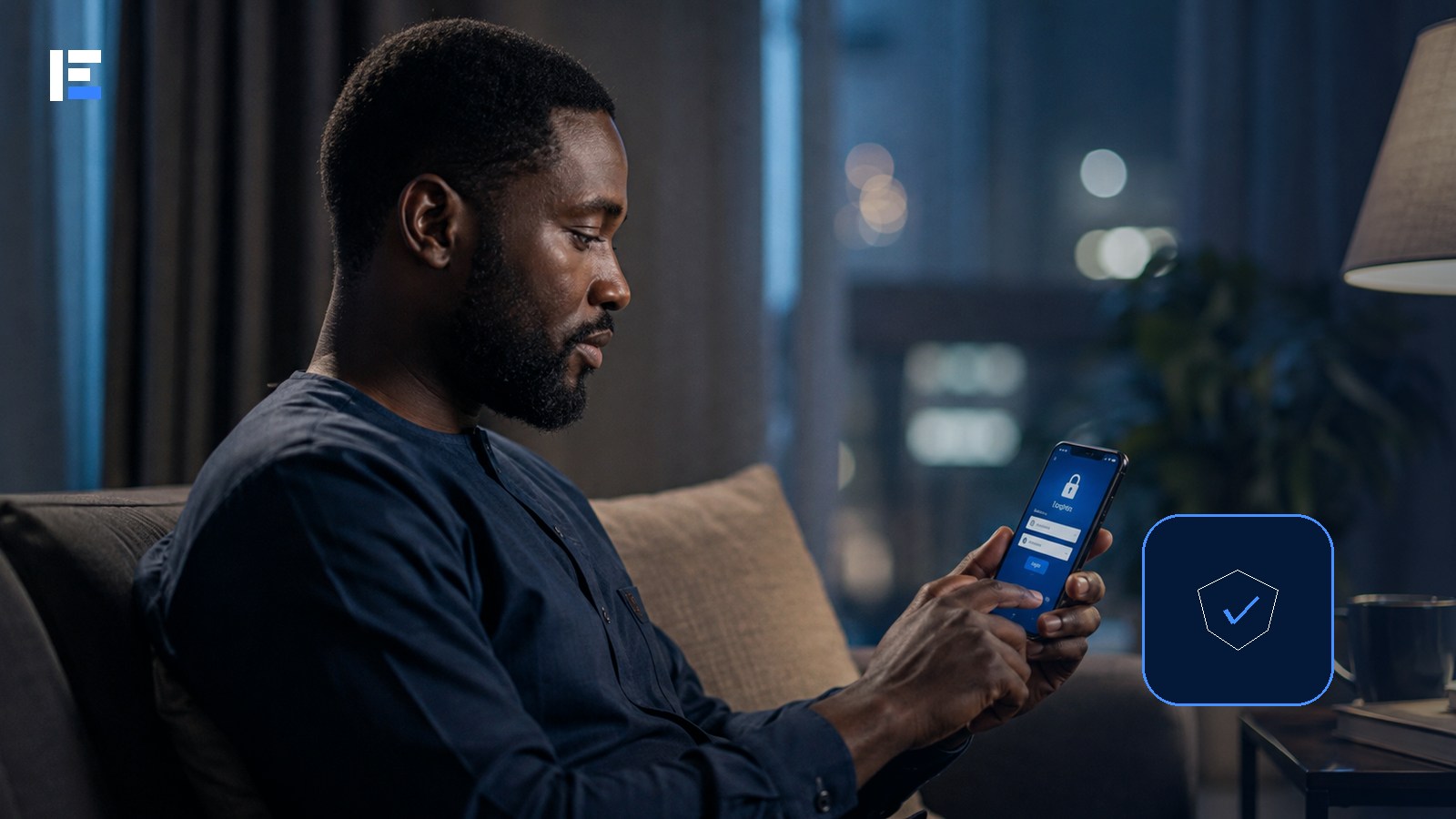
Mobile banking is convenient precisely because the phone becomes a payment tool. That also means a stolen, infected, or poorly protected phone can expose far more than calls and messages. No single setting stops every type of fraud — a safer approach layers several protections so one mistake doesn’t hand over full control.
Protect the Phone Itself First
- Use a screen lock genuinely difficult for someone else to guess
- Install operating system and app updates as soon as they’re available
- Never install banking apps from links, messaging groups, or unofficial stores
- Refuse accessibility access, device-administrator access, or full notification reading for unknown apps
- Turn on find, lock, and erase features before the phone is ever lost, not after
Protect the Actual Banking Account
Use a unique password or passphrase specifically for online banking — never reused across email, social media, and financial accounts. Enable every additional authentication layer your provider offers. Secure the linked email account too; an attacker who controls that email can often reset everything else.
Treat Urgency Itself as the Warning Sign
Fraudsters manufacture urgency deliberately — an account about to be blocked, a transfer that needs “reversing,” a verification code needed “to stop fraud.” A legitimate support process never asks you to reveal your PIN, password, or one-time code to another person, full stop, regardless of how much correct-sounding detail they already have.
End the call. Contact the institution using the number in the official app, on the bank’s real website, or on the back of your card — never a number the suspicious caller gave you.
Five Checks Before You Pay
- Confirm the beneficiary name after entering the account number
- Read the amount twice, especially when copying digits
- Never let someone else watch you enter a PIN
- Avoid sensitive transactions on a device you don’t fully control
- Keep alerts on and review the account regularly — not only when a debit looks unusually large
Public Wi-Fi Deserves Extra Caution
A trusted banking app encrypts its connection, but an unknown network can still expose you to fake login pages and misleading pop-ups riding alongside it. Use mobile data or a trusted network for anything important, and never dismiss a certificate or security warning just to get through faster.
If the Phone Is Lost or Fraud Is Suspected
- Use another device to lock or erase the phone if that feature was enabled
- Contact the mobile operator to block or replace the SIM
- Contact the bank and request the appropriate account restrictions
- Change email and banking credentials from a trusted device
- Record the time, transaction references, and complaint numbers
- Report through the provider’s formal process and relevant authorities where required
Topic hub: Explore more in Fintech and Digital Payments in Nigeria.
Mobile banking safety is a chain, not a single lock. Protect the device, the SIM, the email, the credentials, and the transaction process itself. When something feels urgent or unusual — even when the caller knows details that sound impossible to fake — stop and verify through a contact channel you found independently.