
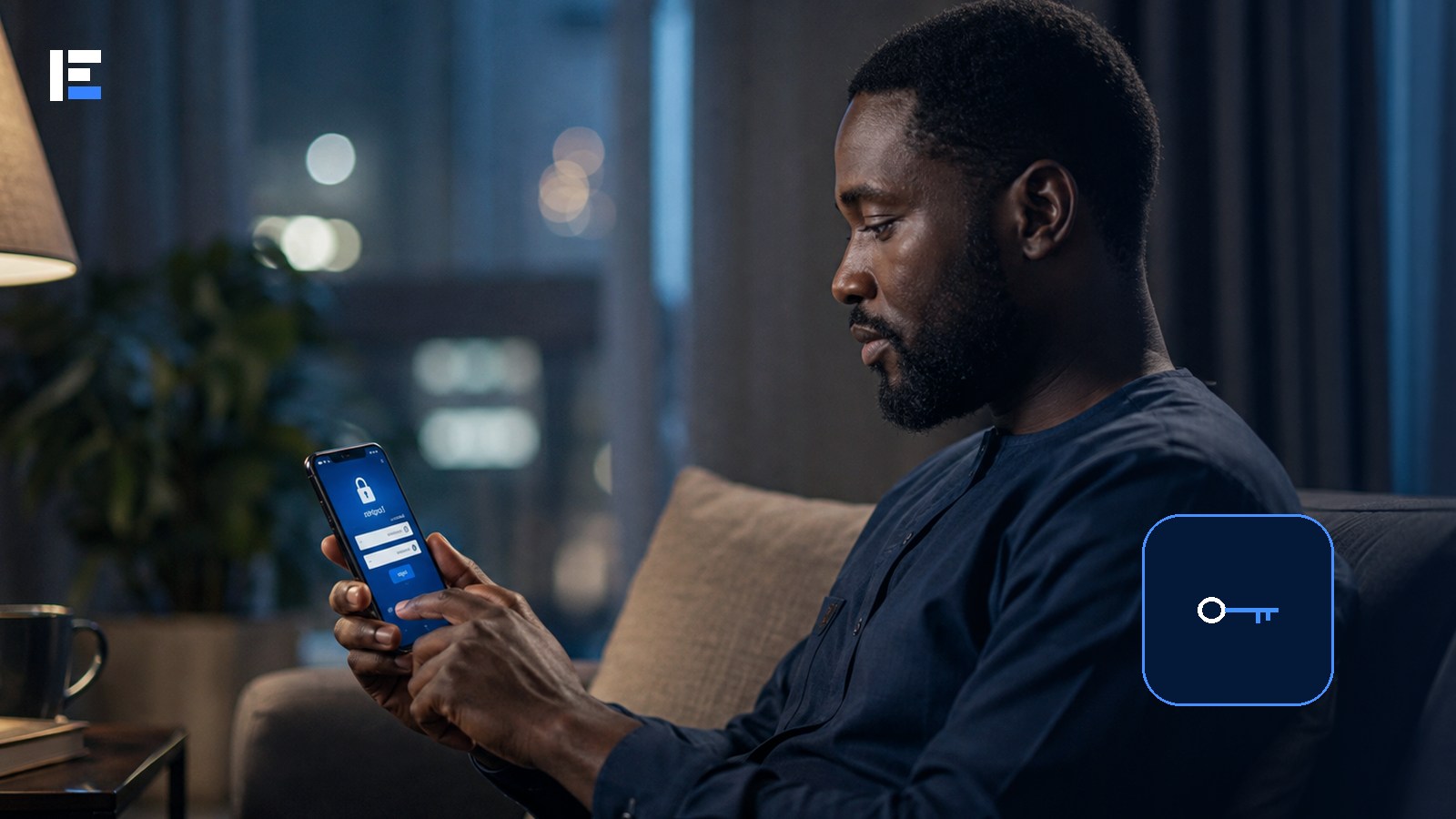
One password, protected by a capital letter and an exclamation mark, guarded her email, her banking app, and four shopping sites. When one small shopping site got breached, the attacker didn’t need to guess anything else — he just tried the same password everywhere, and three more accounts opened on the first try.
A strong password isn’t just hard to guess. It has to be unique. A complicated password reused across six sites exposes all six the moment one of them is breached — exactly what happened above.
Current security guidance actually emphasizes length, password managers, and multifactor authentication far more than forcing people into short passwords with predictable symbol swaps like “@” for “a.”
Length Beats Cleverness
NIST’s public guidance recommends at least 15 characters when creating a password. Skip names, phone numbers, birthdays, keyboard patterns, and common phrases. And never build a “system” where only the last digit changes between sites — once an attacker spots the pattern, every other account becomes easy to guess.
Let a Password Manager Do the Remembering
A password manager generates and stores a different credential for every single account. You remember one strong master password and protect the manager itself with additional authentication. Choose a reputable service, keep its recovery information current, and store any emergency recovery code securely — never in an unprotected note or spreadsheet that syncs everywhere automatically.
Turn On Multifactor Authentication Everywhere It’s Offered
An authenticator app, hardware security key, or passkey generally beats a text message — though any additional factor beats a password alone when it’s set up correctly. Save recovery codes somewhere safe and offline; otherwise a lost phone turns a security feature into an account-recovery nightmare.
Use Passkeys Where They’re Available
A passkey uses cryptographic credentials tied to your device or account instead of a reusable password — it cuts phishing risk because the credential is built for the correct service only. Understand how it syncs, and how you’ll recover it after switching devices.
Protect the Accounts That Can Reset Everything Else
Start with email, your password manager, your mobile account, and major financial services — these can often reset or recover other accounts. Give them unique credentials, extra authentication, and current recovery information first.
A Practical Order to Fix Everything
- Change any password you know has been exposed or shared
- Secure the main email account and password manager first
- Change banking and payment account passwords
- Change social media and messaging accounts
- Replace reused passwords on shopping and entertainment accounts
- Delete accounts you genuinely no longer need
Topic hub: Explore more in Cybersecurity in Nigeria.
Got a breach alert? Open the service directly, not through the link in the alert. Change the password, check recent sessions, sign out unfamiliar devices, and verify recovery information. If that password was reused anywhere else, change it there immediately too — that’s exactly the gap that turned one small breach into four compromised accounts.