
Your laptop takes 90 seconds to boot up every single morning. You’ve blamed Windows, blamed too many browser tabs, blamed everything except the actual cause — a spinning hard drive that’s been the bottleneck the entire time.
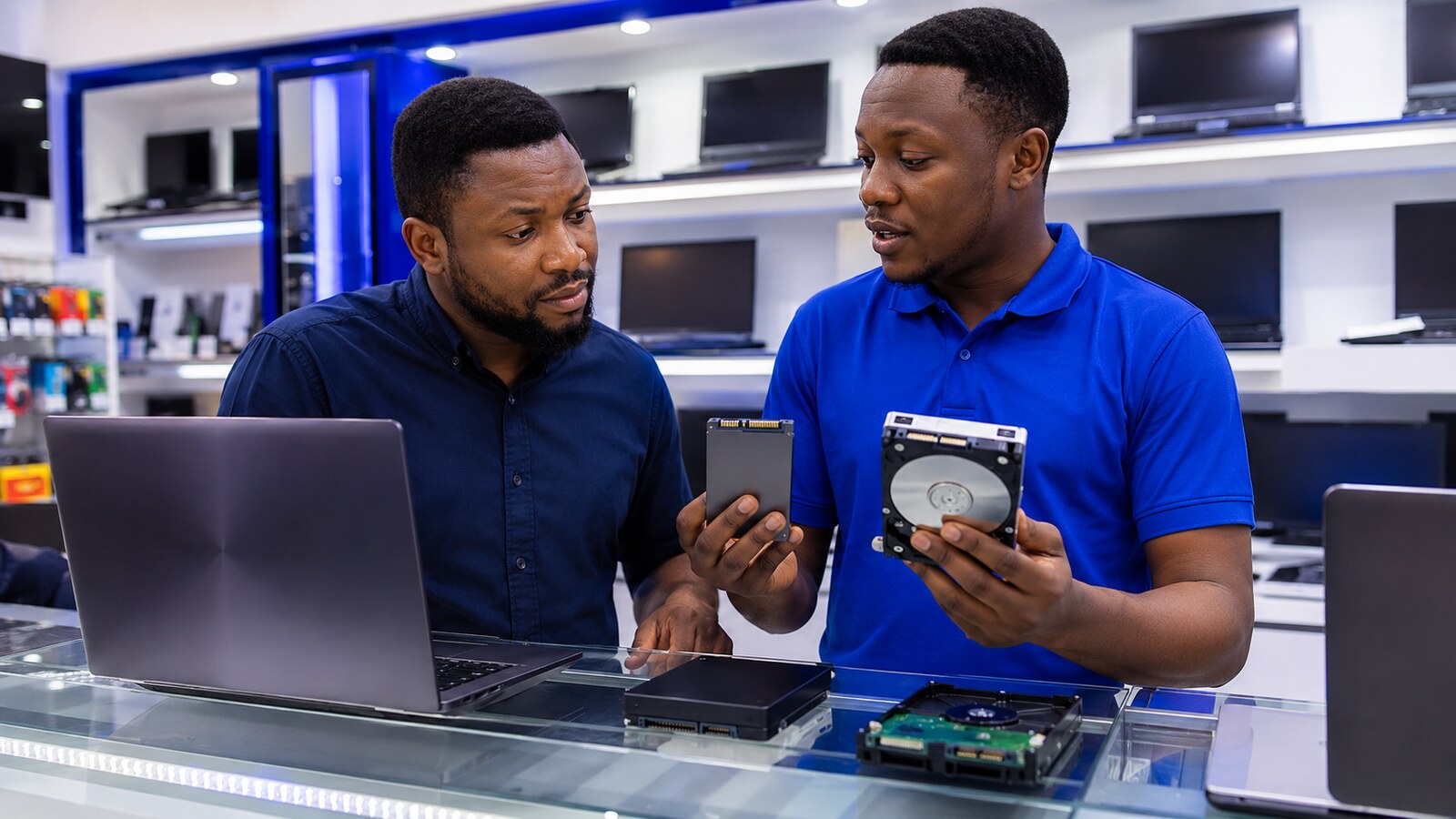
An SSD stores information on flash memory with no moving parts. A traditional HDD uses spinning disks. That single difference is behind almost every complaint about a “slow laptop.”
Where an SSD Actually Wins
Microsoft’s own documentation confirms SSDs are generally smaller, faster, and quieter than HDDs. Windows starts faster, apps open sooner, and file searches feel noticeably more responsive. With no spinning disk to damage, an SSD also survives being carried around and bumped far better — a real factor if your laptop moves with you daily.
Where an HDD Still Has a Real Job
An HDD offers more capacity for the same money. That makes it genuinely useful for a desktop or external archive holding large video files that don’t need constant fast access — footage you’re storing, not editing daily.
Four Compatibility Questions Before You Buy Anything
- Does the laptop accept a 2.5-inch SATA drive, an M.2 drive, or both?
- Does the M.2 slot support SATA, NVMe, or a specific required length?
- Can the storage even be replaced, or is it soldered to the board?
- Will you clone the existing operating system, or install fresh?
Buying a Used Drive? Ask for Proof, Not a Promise
Ask for actual health information on a used drive — but don’t treat one screenshot as a warranty. Every storage device fails eventually, used or new. Back up anything important regardless of which one you buy.
The Combination That Actually Works Well
Where the laptop supports two drives, a smaller SSD holding Windows and your important apps, paired with a larger HDD for media, gives you speed where it matters and cheap capacity where it doesn’t. An external drive is useful for backup — but a backup should never be the only copy of anything you can’t replace.
What Nigerian buyers should prioritise
For a laptop used daily for work or study, responsiveness usually matters more than buying the largest possible drive. Check the exact laptop model and storage interface before paying, budget separately for backup, and avoid treating an unusually cheap used SSD as automatically better than a healthy drive from a traceable seller. See Tech Embed’s Technology Buying Guides for Nigeria.
Choose an SSD for the operating system and everyday use when your budget allows it. Choose an HDD for cheap bulk storage — and keep another copy of anything that actually matters, on either drive.