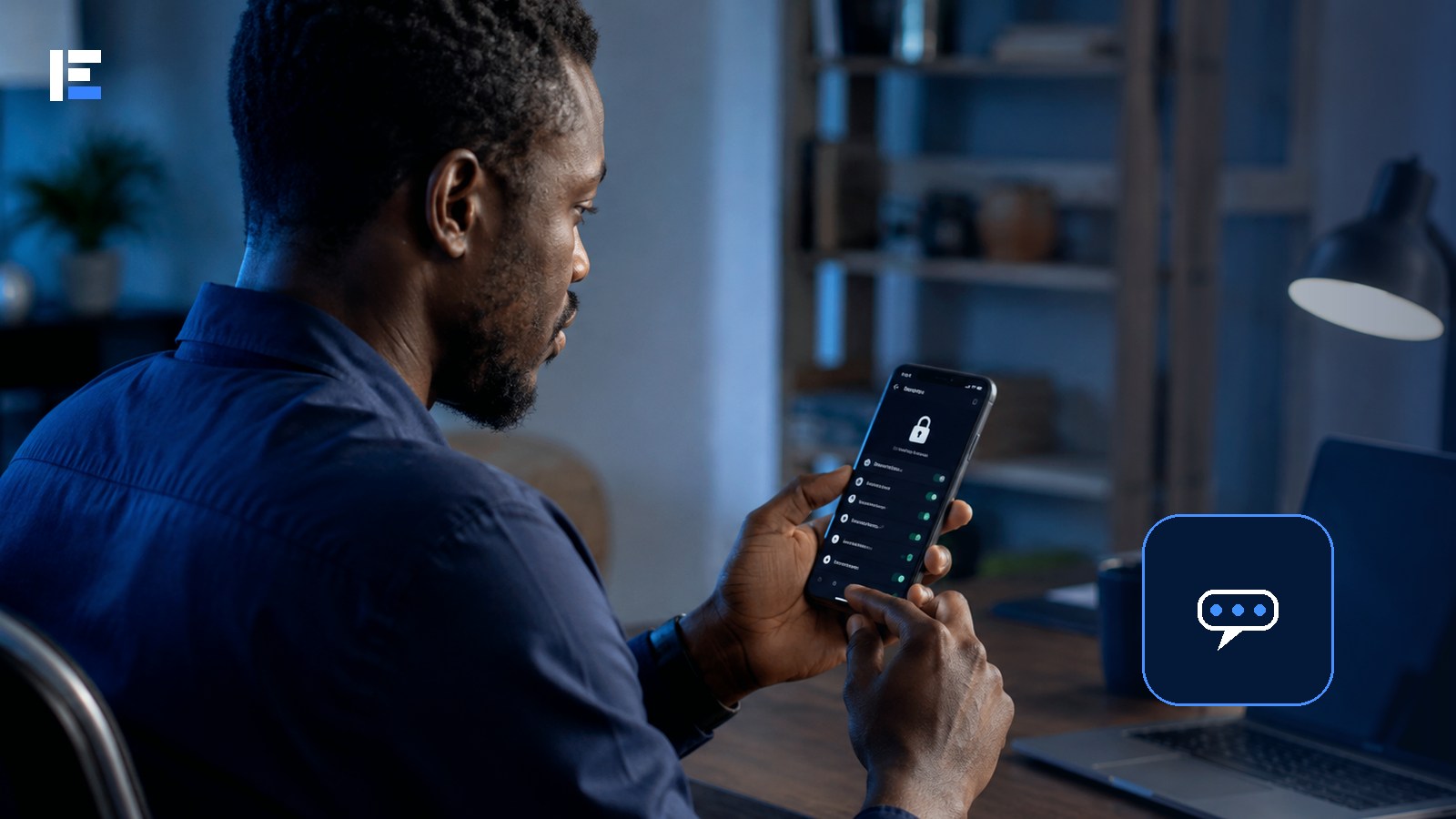
A six-digit code arrived by SMS that the account owner never requested. Confused, she ignored it. Ten minutes later, her WhatsApp logged her out entirely — an attacker had entered her number on a different device and used that exact code to complete the takeover. The code was never for anyone but her, and she’d hesitated just long enough for someone else to use it first.
A WhatsApp account is tied to a phone number. Attackers commonly try registering that number on another device, tricking the owner into sharing the verification code, or exploiting a linked device left logged in. The strongest protection combines account settings with careful behaviour — set it up before there’s a problem, not after.
Turn On Two-Step Verification Today
Two-step verification adds a secret code or password on top of the registration process. Open WhatsApp settings, find account security, and enable it. Add an email you actually control as a recovery path, and skip anything obvious — no birthdays, no repeated digits, nothing derived from the phone number itself.
Never Share the Registration Code — Not With Anyone
That code is for you, the account owner, and no one else — not a friend, not a support agent, not a group administrator. If a code arrives unexpectedly, someone may have mistyped your number, or someone may be actively attempting a takeover right then. Don’t forward it. Don’t enter it anywhere a link led you.
Check Linked Devices Regularly, Not Just Once
Linked devices can keep reading your messages even when your main phone is somewhere else entirely. Open the linked-devices screen and remove anything you don’t recognise. Repeat this check regularly, especially after using any shared or public computer.
Protect the Phone and SIM Underneath It All
- A strong screen lock and app lock where available
- Operating system and WhatsApp kept fully updated
- A SIM PIN, if you can manage it without locking yourself out
- Never leave an unlocked phone with someone you don’t fully trust
- Contact your mobile operator immediately if the SIM unexpectedly stops working
A Stolen Account Becomes a Weapon Against People Who Trust You
Attackers frequently use a compromised account to impersonate the owner and request emergency money from contacts. If someone familiar sends an unusual, urgent request, call them through a completely different channel before sending anything.
Six Steps if the Account Is Already Compromised
- Try re-registering the number on your legitimate device using the code sent to you
- Once access is restored, check and remove unfamiliar linked devices immediately
- Warn close contacts through a different channel so they don’t trust requests from the compromised account
- Secure the email account connected to your two-step verification
- Contact your mobile operator if the SIM itself may have been replaced or redirected
- Use WhatsApp’s official recovery process — never pay someone claiming they can “recover” the account for you
Topic hub: Explore more in Cybersecurity in Nigeria.
Treat a verification code exactly like a physical key. Two-step verification adds a second lock. Checking linked devices tells you who else might have a copy. Set all of this up now — not after an impersonation message has already gone out to everyone you know.