

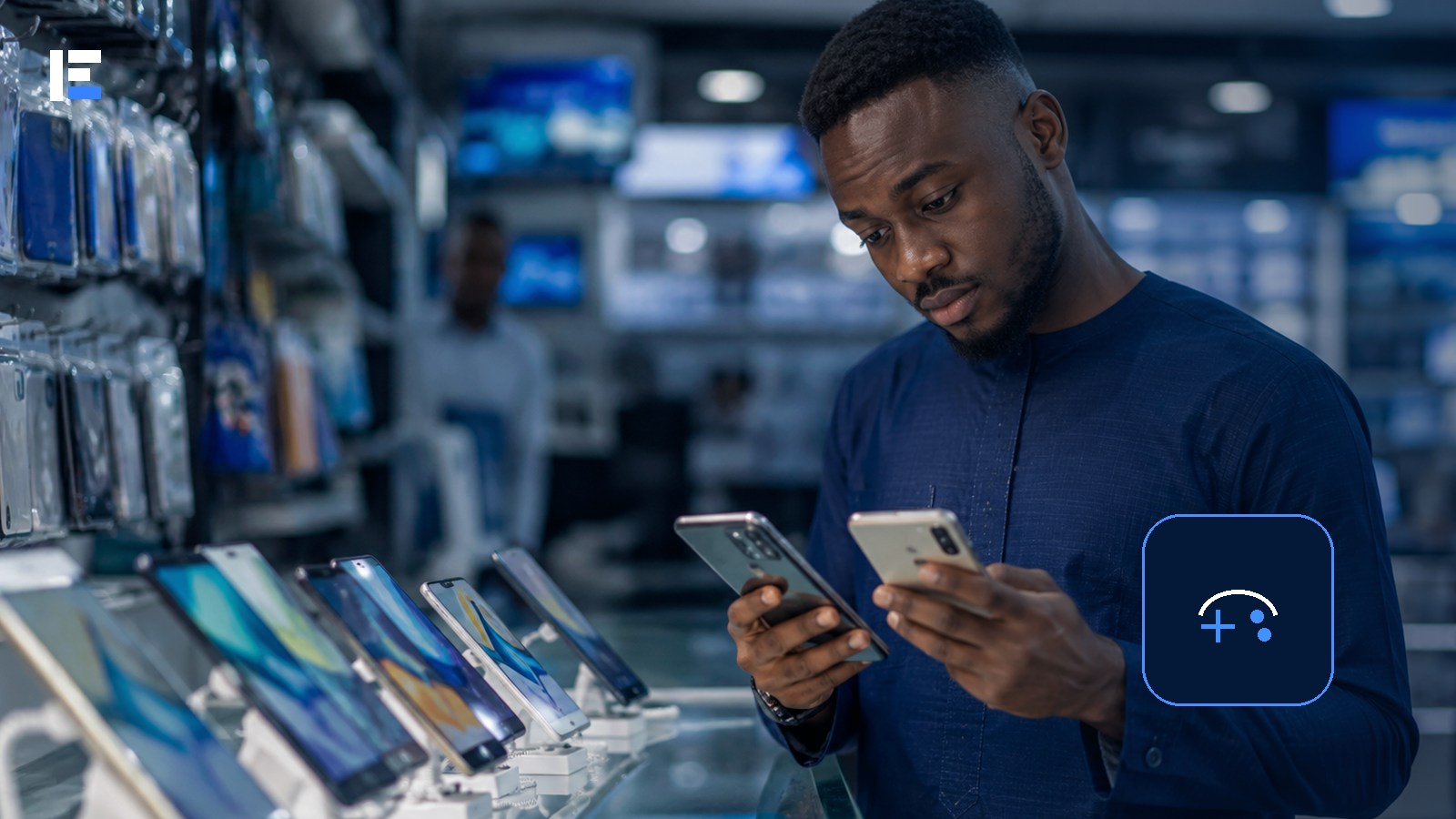
Ten minutes into a match, the phone gets uncomfortably hot, the frame rate drops, and the game becomes unplayable — on a device with a processor that benchmarked beautifully in every review. The chip was never the problem. Nobody tested how it handled sustained heat, because a five-minute benchmark doesn’t show that.
A good gaming phone doesn’t have to be the most expensive one in the shop. It needs to run the games you actually play at a stable frame rate, without overheating, filling the storage, or draining the battery in an hour.
Start From the Games, Not the Spec Sheet
List the three most demanding games you actually plan to play. Check their current Android version, storage, and memory requirements. A phone for casual puzzle games has completely different needs from one meant for competitive shooters or large open-world titles.
The Processor Name Is Only Half the Story
Cooling and software determine whether performance actually holds up under sustained load — that’s the exact failure from the opening scenario. A phone can look fast in a short benchmark and then throttle hard once it heats up ten minutes into real play. Look for credible long-session tests, not a single benchmark number.
Memory and Storage That Actually Lasts
Modern games are large and often download extra files after install. Leave real room for updates, recordings, and your normal apps. More memory helps when switching between the game, voice chat, and other apps — but poor software can still waste it regardless of how much you have.
Display, Battery, and the Charging Heat Trade-off
A high refresh rate improves motion but drains power faster — check whether the games you actually play even support the refresh rate advertised. Compare real gaming battery endurance, not just the capacity number, and pay attention to heat during charging: playing while plugged in adds thermal load on top of gaming load.
Network Quality Beats Small Hardware Differences
For online games, signal quality and network delay often matter more than marginal hardware upgrades. Check supported mobile bands, Wi-Fi performance, and whether your normal headset actually connects reliably.
Check the Repair Reality, Not Just the Warranty Page
Confirm the update policy, warranty terms, and actual local repair options. Heavy use eventually means a battery replacement or screen repair — an uncommon model can become expensive fast once parts are hard to find locally.
Topic hub: Explore more in Technology Buying Guides for Nigeria.
Buy for sustained performance and the specific games you actually play — not the largest number on the specification sheet. A slightly slower phone with dependable cooling and real local support beats a benchmark champion that throttles ten minutes into every match.