
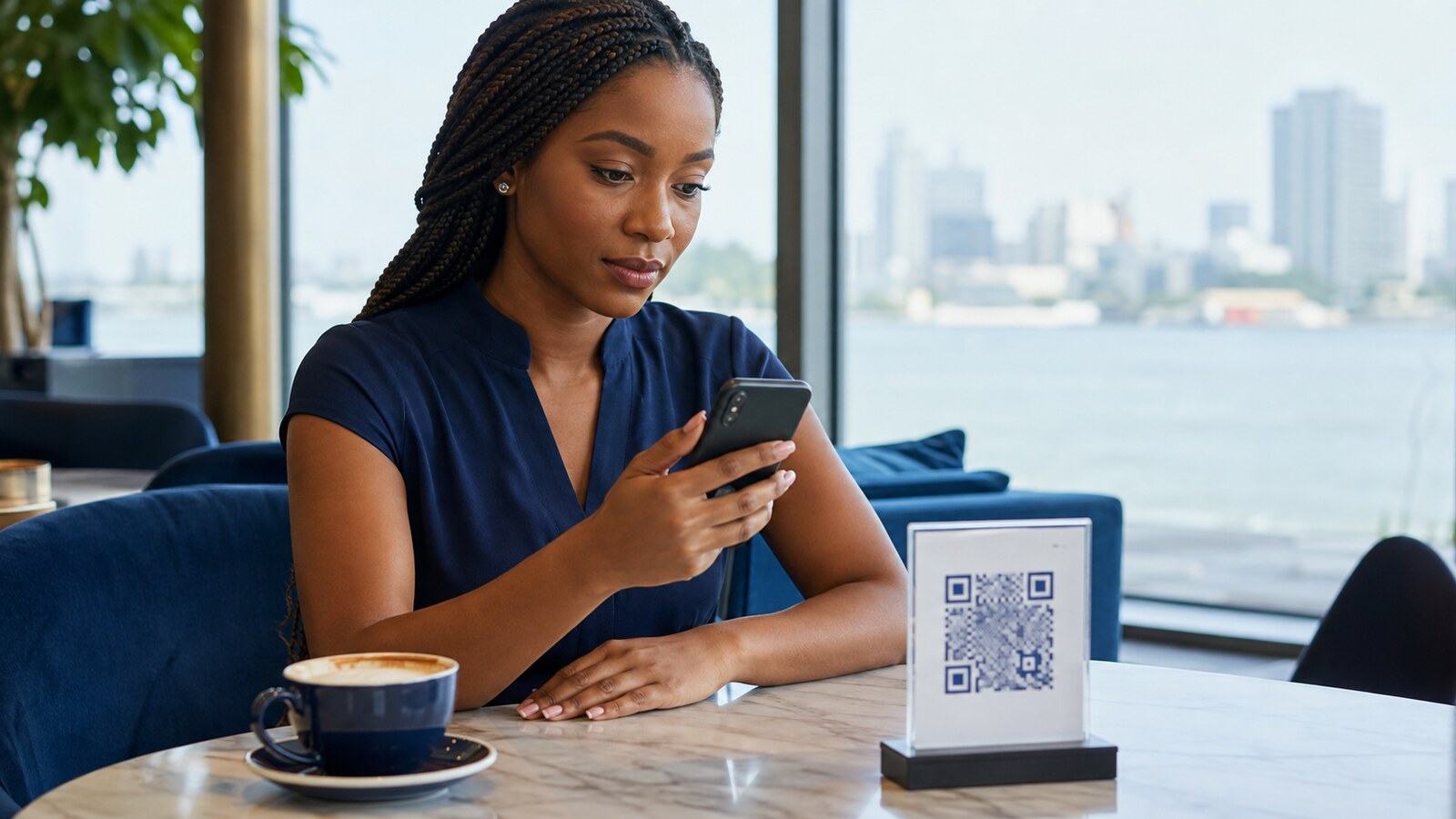
The QR code was taped over the real one on the parking meter. Nobody checked — why would they? It looked exactly like every other parking code in Lagos. That sticker is the entire scam: a QR code hides its destination until the moment you scan it, and a criminal only needs a printer to exploit that.
Where the Fake Code Actually Shows Up
- A sticker placed directly over a genuine payment or menu code
- A fake delivery or parking notice
- An email claiming your account needs urgent action
- A social media post promising a prize
- A message asking you to receive or “reverse” money
Pause Before You Open Anything
Use your phone’s preview to inspect the domain before tapping through. Look for misspellings, domains that don’t match the business at all, and shortened links hiding the real destination. If it involves a bank, delivery company, or government service, open the official app or type the known address yourself — never follow the code for anything sensitive.
Actually Look at the Physical Sign
Check whether a sticker is covering another code underneath, or whether the sign looks tampered with or recently altered. Ask staff to confirm the payment name or process directly before sending any money through a scanned code.
Never Install an App From a Scanned Page
A QR destination that asks you to install an unknown app, enable a restricted setting, or grant accessibility access is a serious red flag, full stop. Leave the page immediately and use the official app store or the provider’s actual website instead.
If You Already Entered Information
Change the affected password from a trusted device right away. Sign out of other sessions. Contact your bank immediately if money was involved. Keep the link, the message, and any transaction evidence — you’ll want it for a report.
A safer QR-code routine
Before scanning a code used for payment, login or account recovery, confirm who placed it, preview the destination and compare the domain with the organisation’s official website or app. If the code is printed in a public place, treat physical tampering as part of the threat model. For the wider protection checklist, see Tech Embed’s Cybersecurity in Nigeria guide.
Treat every QR code as a link you genuinely cannot see until you’ve scanned it. Check the destination first, and verify anything sensitive through a completely separate, official route — not the code itself.